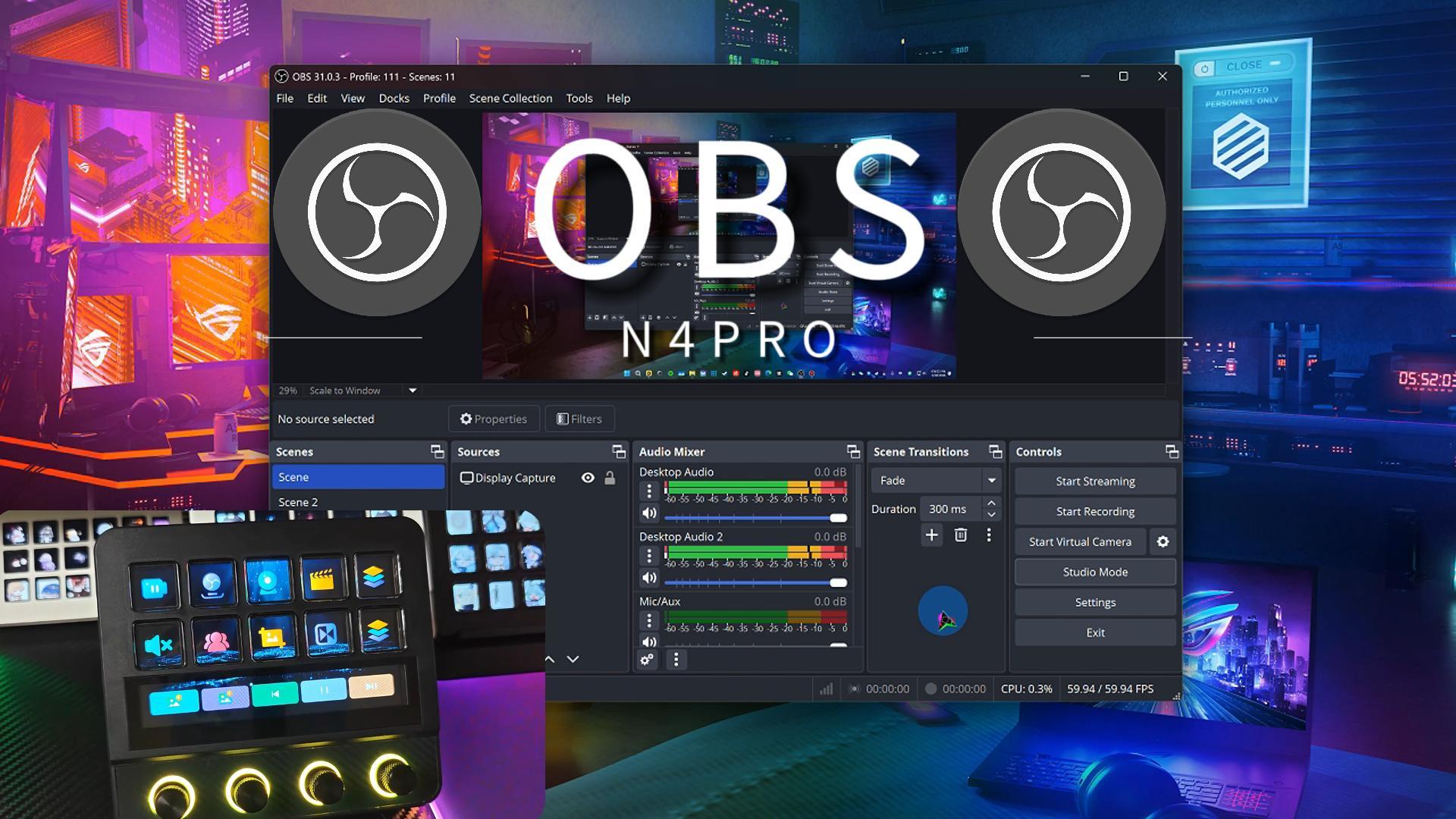
Advanced OBS commands and tools you can use on the Stream Dock. Features include: instant replay (inside live streams), dropped frame alerts, modify browser and video sources, modify transitions and filters, fast scene switching, OBS CPU usage, modify source volume, and more.
Youtube:https://youtu.be/oX-YeufSOQ4?si=P3_d-0JfW6Q3Imur

 English
 简体中文
简体中文 繁體中文
繁體中文 한국 사람
한국 사람 日本語
日本語 Deutsch
 русский
 بالعربية
 TÜRKÇE
 português
 คนไทย
คนไทย french


 发表于 2025-6-20 09:16:30